Library services over the Winter Break
27 November 2025
Staying in Newcastle?
The Philip Robinson Library will be open throughout the vacation period Saturday 12 December – Monday 4 January except for the following days:
- Thursday 24 December 2026 (Christmas Eve)
- Friday 25 December 2026 (Christmas Day)
- Saturday 26 December 2026 (Boxing Day)
- Friday 1 January 2027 (New Year’s Day)
You can browse the shelves and issue items using our self-service kiosks and return items using the book return machine in the building or use the book return slot near the front entrance. Items requested from Research Reserve (our off-site store) after 23 December will not be available to consult or borrow until 4 January 2026.
The Walton Library and Marjorie Robinson Library Rooms will be closed from 5pm on Wednesday 23 December 2026 and will reopen at 8.30am on Monday 4 January 2027.
Please note: Sixth Form Access, is not permitted between Monday 21 December 2026 - Wednesday 20 January 2026.
Other Visitor Access, including local reciprocal agreements, SCONUL R and visitor passes is only permitted up to until 4:45pm on Wednesday 24 December and after 10am on Monday 4 January 2027.
Access to the Philip Robinson Library from Sunday 27th December 2025 to Thursday 31st December 2026 is for holders of valid Newcastle University staff, associate staff and student smartcards only.
Check out the opening hours of the Philip Robinson Library during the vacation to plan your visit.
Going home for the vacation?
We have a wealth of online resources available to you wherever you are studying.
When you’re off campus, you’ll need to make sure you’re signed in (authenticated) as a member of the University to access resources. For the quickest ways to access resources wherever you are studying, read the tips below or watch our Accessing Library Resources video.
- Use Library Search and log in to your Library account. This ‘single sign on’ authenticates you as a student and you can search and access all our resources without needing to login repeatedly.
- Explore your Subject Guide to find links to key e-book collections and databases. Following these links will direct you through Library Search so you can easily access what you need through single sign on.
- Access e-journals in BrowZine. When using this app, you set up a free personal account using your University email address, which will give you access to full-text articles.
- Try institutional login. If you are on the website of a journal or a database, look to the top of the screen for a link that says institutional log in, sign in via your University, or Shibboleth. This will allow you to log in with your University username and password.
If you have any problems accessing resources, let us know via libraryhelp@ncl.ac.uk


Take some time to relax over the break with Libby
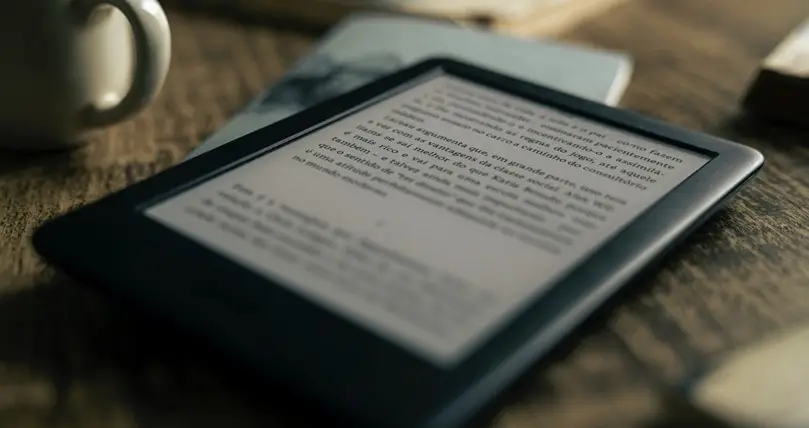
It’s important you also manage to rest and spend some time away from your studies over the break. To this end, did you know that as a Newcastle University student you can access an exciting array of non-academic e-books, audiobooks, and magazines? Libby is a leisure reading platform that can be downloaded as an app on your device or accessed in your browser.
- Discover over 4,500 magazines, including significant titles such as National Geographic, Vogue, BBC Good Food, Rolling Stone, The New Yorker, plus hundreds of foreign language titles.
- Libby also provides access to a growing number of e-books and audiobooks on a range of topics, including contemporary literary fiction, North East gems, and Crime & Mystery.
Best of all, Libby is freely available to Newcastle University staff and students! You can also stream titles with Wi-Fi or mobile data, or download them for offline use and read anytime, anywhere. Simply access Libby in your browser or download the app, and then sign in to start exploring.
Happy reading!
Library Help and get in touch
Contact us with your enquiries and get in touch with Library departments or people.